The true value of a Business Analyst lies in sense-making turning vague business desires into crystal-clear technical requirements. We are the bridge between the chaos of the boardroom and the logic of the code.
But let’s be honest: How much of your day is actually spent on that bridge?
For most analysts, the reality is a trap of low-value friction. We are hired to think, but we spend 80% of our time grinding. We are drowning in meeting transcripts, fighting with formatting in documentation, and manually mapping processes that might change by next week.
This isn’t just annoying; it is a strategic liability. In a market that demands speed, the BAs who spends 4 hours on a task that AI can do in 4 minutes isn’t just inefficient, they are at risk of becoming obsolete. The new standard is the AI-Augmented Analyst.
I have tested dozens of tools in my projects to find the ones that actually deliver on the promise. These are the 7 tools that survived the hype. They don’t replace your expertise; they liberate you from the grind so you can finally focus on the strategy.
Phase 1: The “Discovery” Grind
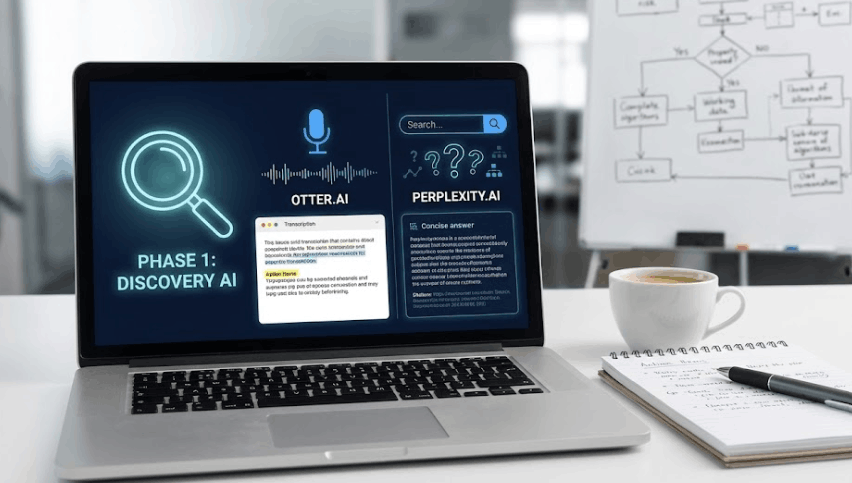
The goal: Capture everything, miss nothing.
1. Otter.ai (The Perfect Memory)
We have all been there: You finish a one-hour discovery workshop, and now you have to spend another hour typing up the notes.
- The Fix: Otter.ai joins your meetings and transcribes them in real-time. But it doesn’t just record; it identifies “Action Items.”
- The Senior Tactic: After the call, don’t read the whole transcript. Ask the AI: “What objections did the Finance stakeholder raise?” or “List all agreed-upon deadlines.” It turns a wall of text into a decision log instantly.
2. Perplexity.ai (The Research Assistant)
When you need to draft a Business Case, Google is often too broad. You end up with 20 tabs open and no clear answer.
- The Fix: Perplexity.ai is a search engine that gives you answers, not just links, and cites its sources.
- The Senior Tactic: Use it for competitive analysis. Ask it, “Compare the pricing models of Salesforce vs. HubSpot for a mid-sized Canadian enterprise.” It drafts the “Strategic Context” section of your project brief in seconds.
Phase 2: The “Analysis” & Mapping Deep Dive
The goal: Visualize the complex.
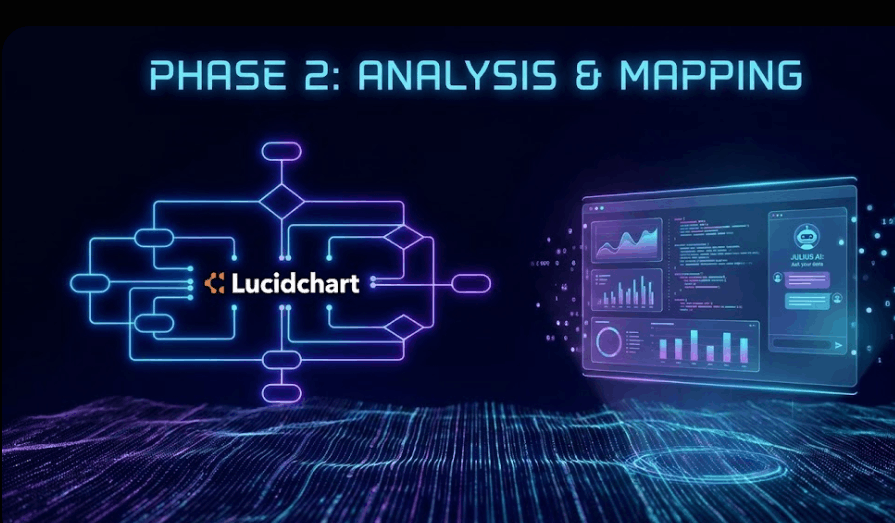
3. Lucidchart AI (The Process Architect)
Staring at a blank canvas while trying to map a complex BPMN flow is paralyzing.
- The Fix: Lucidchart’s Collaborative AI lets you generate diagrams from text. You type “Create a mortgage approval flow including credit checks and underwriter review,” and it builds the swimlanes for you.
- The Senior Tactic: Use this live in workshops. When a stakeholder speaks, generate the map on the screen. It forces them to spot errors instantly (“Wait, the credit check happens before the review!”). You leave the meeting with a validated map, not just notes.
4. Eraser.io (The Technical Translator)
While Lucidchart is for business stakeholders, Eraser is for the technical team.
- The Fix: It uses “Diagram-as-Code.” You can paste a snippet of SQL or Python code, and it renders a flowchart of the logic.
- The Senior Tactic: Use it when reverse-engineering legacy systems. Paste the messy code you inherited into Eraser and ask it to visualize the data flow. It bridges the gap between the “Code” and the “Concept.”
5. Julius AI (The Data Analyst’s Best Friend)
I love Python, but sometimes I need a quick answer without setting up a Jupyter Notebook environment.
- The Fix: Julius AI allows you to upload an Excel or CSV file and ask questions in plain English.
- The Senior Tactic: Use it for Rapid Exploratory Data Analysis (EDA). Ask, “Show me the correlation between ad spend and churn rate in Q4,” and it generates the chart and the Python code. It’s the fastest way to test a hypothesis before building a full dashboard.
Phase 3: The “Delivery” & Handoff
The goal: VisualThe goal: Documentation that people actually read.
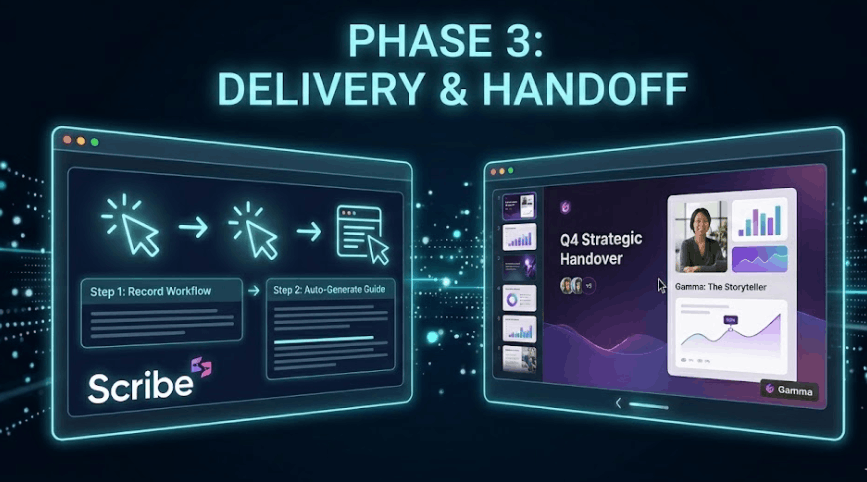
6. Scribe AI (The Documentation Hero)
This is my absolute favorite for UAT (User Acceptance Testing) and handovers. Creating a step-by-step user guide usually involves taking a screenshot, cropping it, pasting it into Word, and adding a red arrow. It takes forever.
- The Fix: With Scribe, you just hit “Record” and do the task. It watches your clicks and generates a visual guide with text instructions automatically.
- The Senior Tactic: Use it for bug reporting. Don’t just tell developers “it’s broken.” Record the error with Scribe and send them the step-by-step reproduction guide.
7. Gamma.app (The Storyteller)
You have the data, but your slides look like they were made in 1995.
- The Fix: Gamma is a presentation tool where you paste your raw notes or outline, and it builds a stunning, formatted slide deck or web page.
- The Senior Tactic: Use this for “Pre-reads.” Instead of sending a dense PDF before a steering committee meeting, send a Gamma link. It breaks “bullet point fatigue” and executives are 10x more likely to read it on their phones.
Final Thoughts
The role of the Business Analyst is evolving. We are no longer just “requirements gatherers”; we are value architects.
These 7 tools do not replace the analyst. They handle the “boring” 80% of the work (the typing, the drawing, the formatting) so you can spend your energy on the top 20%: Solving the business problem.
Which of these tools will you try this week?
Looking to transition into a Data/BA career or master these modern tools? Check out my coaching services at iddarmehdi.com or connect with me on LinkedIn.
Fast, cheap and good — from these three things you should always choose two. If it’s fast and cheap, it will never be good. If it’s cheap and good, it will never work out quickly. And if it is good and fast, it will never come cheap. But remember: of the three you still have to always choose two.
Think about the content that you want to invest in a created object, and only then will form. The thing is your spirit. A spirit unlike forms hard copy.
Minimalism has reached a certain critical point, the top. Where to go? I do not know. The main thing for the designer — to create things that are pleasing to him, the work brings satisfaction, and cooperation with the customer — satisfaction.